Send the proof. Take it back when you’re done.
Send a marked-up screenshot to a customer or a colleague. Nobody needs an account to open it, and one press turns the link off when the ticket closes.
Screenshots share and unfurl today; playback of shared recordings in Chrome is coming soon.
Send it to someone who will never have an account
Snap what the customer is looking at, circle the part that matters, and send one link. They open it in whatever browser is on the machine in front of them, and there is nothing for them to install or sign up for.
When the ticket closes, turn the link off. From then on it reads as not found, like a link that never existed, and turning it back on restores the same address if they come back next week.
Or set a last day and forget about it. The link stops working at the end of that day, UTC, whether or not anybody on the support desk remembers to go back and close it.
Cover the other customer’s details before you send it. On a screenshot, redaction deletes those pixels instead of painting over them, so what leaves your hands is the picture minus the part that was never yours to forward, and the annotation page has that in full.
Press Copy link and check your clipboard
The other buttons change the link: finish the upload, add a password, delete the capture. Watch the chat card and the stranger’s page change the way they change in the product.
That address is reserved for documentation and can never resolve, so there’s no capture behind it. These buttons touch this page and your clipboard, and stop there.
https://example.com/s/2f8b1c0dPasted in a chat
https://example.com/s/2f8b1c0d
The card is up before the bytes are. It names the link and offers no picture yet, because there is nothing to show for a moment longer.
What opens when they click
Screenshot
Still processing. This page will show it as soon as it is ready. The link already works, so you can send it now.
That is the viewer’s own wording, not a caption written for this page.
Nothing here is uploaded and no capture exists behind that address, which is reserved for documentation and can never resolve. The buttons change this page and your clipboard, and nothing else.
Send it now. The upload can catch up.
The link is registered first and the file follows. Paste it into a channel while the progress bar is still climbing: it’s already the right link.
If your colleague opens it early, the viewer says it in its own words: Still processing. This page will show it as soon as it is ready - the link already works, so you can send it now.
Only a capture that is genuinely still processing gets that sentence. Anything else says it’s a dead end, so nobody waits around for something that is never coming.
Demos · coming soon
A link that will
walk them
through it.
The player will open in a browser with no install and no account. Arrow keys will move between steps, and every step will be real text underneath rather than pixels in a video somebody has to scrub.
- Chapters will jump straight to the step somebody needs
- Every step will be in the first byte, server rendered like the share viewer already is
Today
The share link works the moment it is created. Send it before the bytes arrive and the viewer says so itself, then fills in when they land.
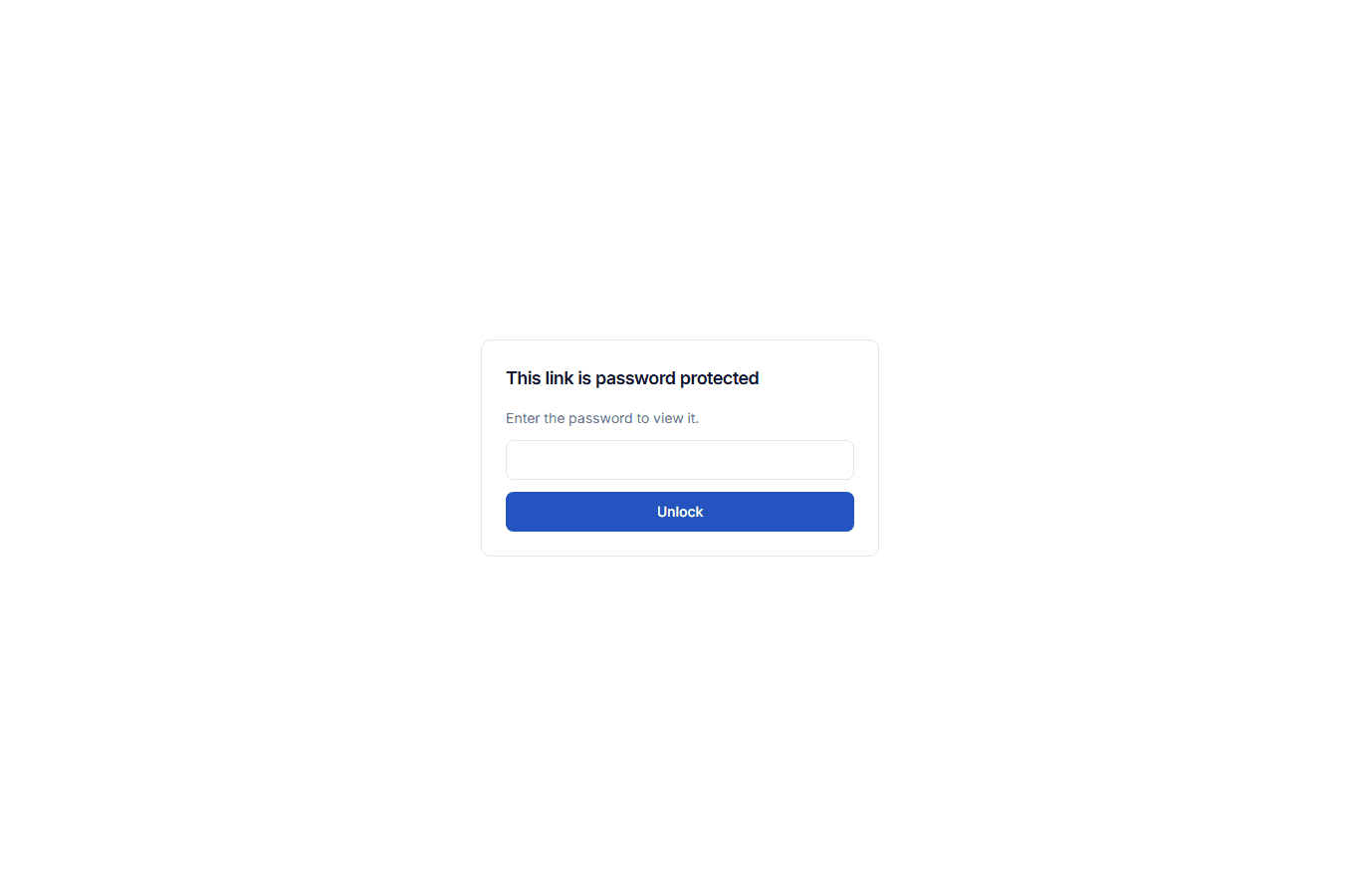
A password gate that opens anywhere
It’s a plain form post, so it works with JavaScript off. That’s why it opens in an email preview pane, and in whatever locked-down browser the person you sent it to is stuck with.
Ten attempts per link per ten minutes. Each unlock is minted for one link, so a shared machine never quietly opens everything else you ever sent.
A gated link gives up nothing before it’s opened. The chat unfurl and the browser tab both read Password protected
instead of the real name, because the name of a capture is often the whole secret.
Unfurls you can take back
Paste a screenshot link into Slack, Teams or Discord and it unfurls into a real card. Nothing to install on either end.
Chat apps keep an unfurl in a message for ever. This one points at the share page rather than straight at the video host, and it re-checks the link every time the frame loads. Revoke it, expire it or add a password, and the card sitting in that old channel obeys the next time anybody looks.
Recording playback in Chrome
Screenshots share and unfurl today. A shared recording will play in Chrome, and the link you already sent will be the one that starts working.
Delete the capture. The link dies with it.
Delete a capture and its link goes dead immediately. Restore it from the trash and the same link comes back working. An end-to-end test walks that round trip, opening the link at every step.
A link that never existed, one that expired, one somebody guessed, one whose capture was deleted: all four land on the same page. Somebody fishing for tokens learns nothing.
No counter on your link, and none on your dashboard.
Whoever opens your link is not measured. The share viewer mounts no counter and no third-party script, and a build check keeps it that way.
You don’t get a view count either. Nothing here is built on knowing who watched.
Sharing is off until you turn it on
None of this happens until you ask for it. The desktop switch stays off until you turn it on and fill in both address fields, and your captures sit on your own computer meanwhile. You can still upload one card on its own, to the address in Settings, when you want to share a single recording.
With it on, a finished recording is registered with the address you gave, and the file itself goes to whatever upload address that server hands back, which may be a video host rather than the server you typed. The share link is copied to your clipboard. Anyone holding it can watch, so treat one like a password.
The privacy notice lists everything that leaves your computer, item by item.